How to Protect Your Social Media Accounts From Hackers
Social account takeovers fuel scams against your friends and family. Here is how accounts actually get hijacked and the settings that stop it.
A hijacked social media account is not just embarrassing — it is a weapon pointed at everyone you know. Attackers use compromised accounts to run investment scams against your friends, spread malicious links that your contacts trust because they came from you, and harvest the personal details your profile reveals. The good news: account takeover almost always succeeds through a small set of known routes, and each one has a specific defense.
How social accounts actually get hacked
1. Reused passwords from breaches. The most common route by far. A site you signed up for years ago gets breached, your email and password leak, and criminals automatically try that combination on Instagram, Facebook, TikTok and X. If you reused the password, they are in. Check your exposure at Have I Been Pwned.
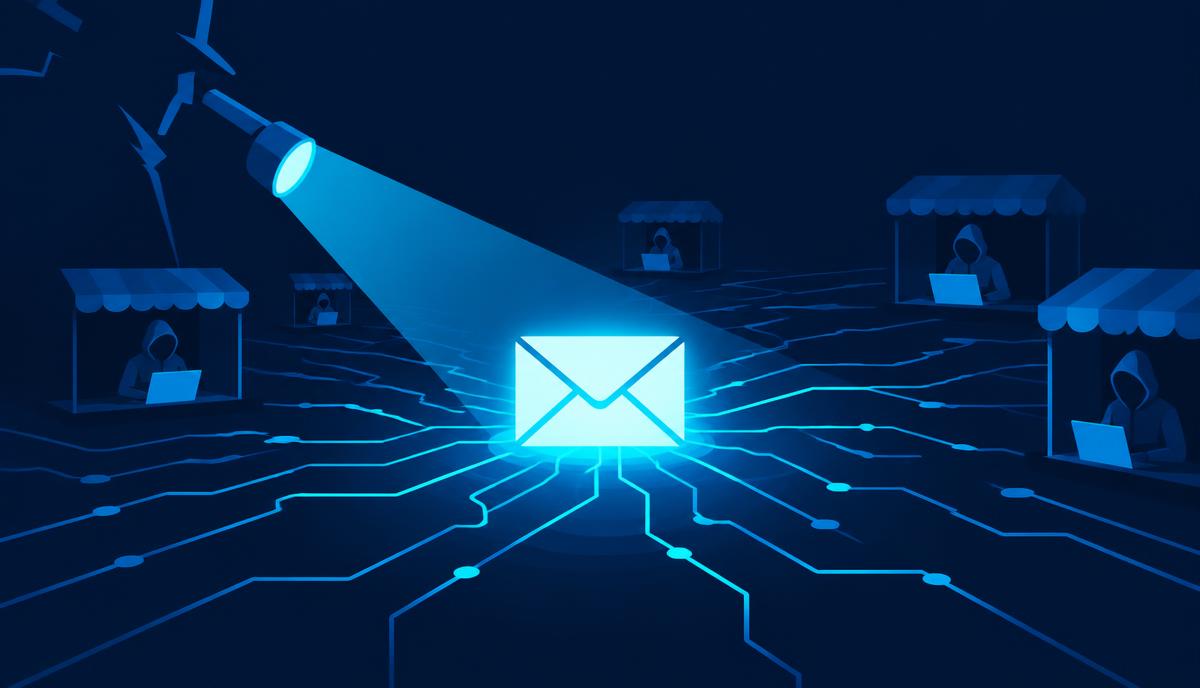
2. Phishing. A DM or email warns that your account will be suspended, your content violated copyright, or you have been verified — with a link to a lookalike login page. You type your credentials and hand them over. This is the standard route for hijacking high-follower accounts; see our smishing guide for the text-message version.
3. Session theft via malicious links or extensions. Some attacks skip your password entirely and steal your logged-in session — through a malicious browser extension, a fake "login with Facebook" page, or malware on your device.
4. SIM swapping. If your two-factor codes arrive by SMS, an attacker who takes over your phone number can reset their way into your accounts. Our guide on phone number identity theft explains the defense.
5. Third-party app abuse. That quiz app or "see who viewed your profile" tool you connected years ago may still have access to your account — and if that app gets breached or turns malicious, your account goes with it.
The settings that stop takeover
Do these on every social account you care about. Each takes under two minutes.
1. Unique password + password manager. Every social account gets its own generated password. This single change eliminates the most common takeover route completely.
2. Two-factor authentication — with an app, not SMS. Every major platform supports authenticator apps (Google Authenticator, Authy, Microsoft Authenticator) and most now support passkeys. App-based codes cannot be intercepted by a SIM swap. Where offered, save the backup codes somewhere safe — they are your way back in if you lose your phone.
3. Login alerts. Turn on notifications for logins from unrecognized devices. An alert about a login from a country you have never visited is your early warning — act on it immediately.
4. Review active sessions. Every platform has a "where you're logged in" page (Facebook/Instagram: Accounts Center > Password and security; X: Settings > Security > Apps and sessions; TikTok: Settings > Security > Your devices). Sign out anything you do not recognize.
5. Audit connected apps. Remove third-party apps you no longer use or do not recognize. They retain access until you revoke it.
Lock down what your profile reveals
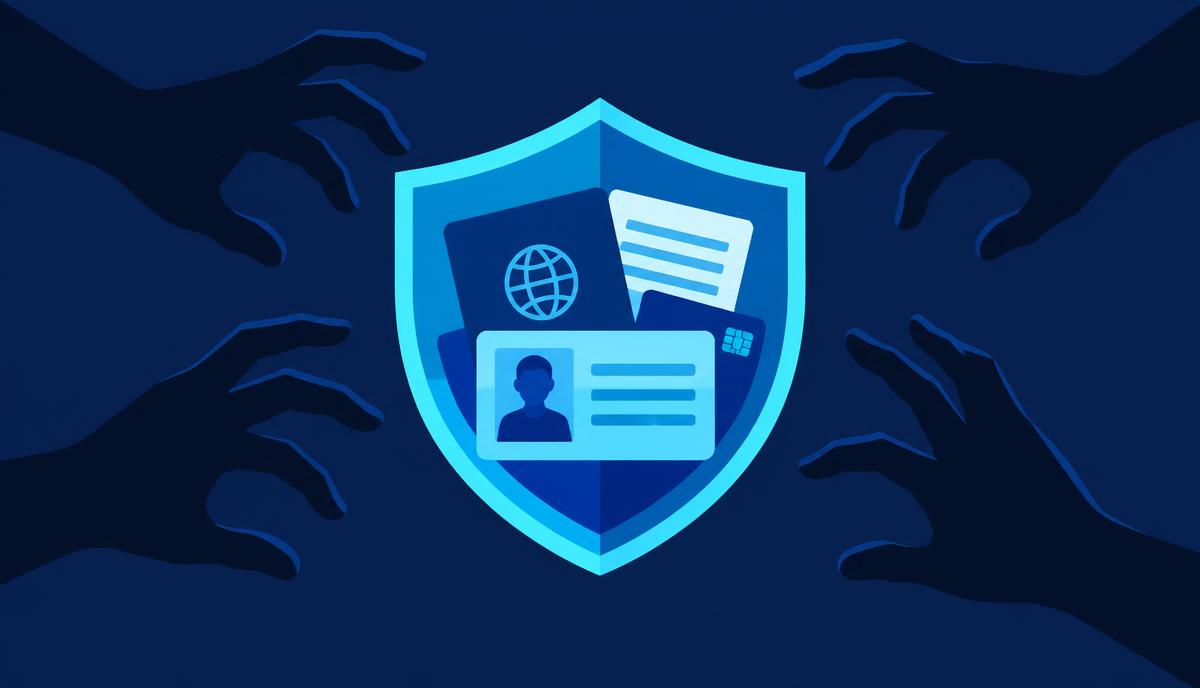
Account security is only half the picture. Your public profile is a resource for attackers targeting you and your contacts:
- Hide your email address and phone number from your public profile — they are phishing targets and account-recovery keys.
- Limit who can see your friends/followers list. Scammers clone accounts and target your contacts; a hidden list slows them down.
- Be careful with personal details. Birthdays, hometowns, pets' names and schools are the raw material for security questions and social engineering.
- Think before posting travel plans in real time — "away all week" posts are an invitation to both digital and physical opportunists.
For a broader cleanup of what strangers can find about you, see how to opt out of data brokers and how to remove your info from Google.
The scams that target your account directly
- "Is this you in this video?" DMs with a link — from a friend's already-hacked account. The link steals your login.
- Fake copyright/violation warnings aimed at creators and businesses, demanding you "appeal" on a phishing page.
- Fake verification offers — no platform will DM you offering a blue check in exchange for logging in.
- Investment and crypto pitches from friends' accounts. If a friend suddenly DMs you about a great opportunity, their account is probably compromised. Verify by calling them.
The rule that defeats all of these: never enter your password on a page you reached from a link in a message. Open the app or type the address yourself.
If your account is taken over
- Use the official recovery flow immediately — every platform has a "my account was hacked" path (for example, instagram.com/hacked or facebook.com/hacked). Speed matters: attackers change the email and phone on the account to lock you out.
- Change your email password too. If they had your social password, assume they tried it on your email.
- Warn your contacts from another channel — the attacker will start scamming them in your name.
- Check for connected-app and forwarding changes once you are back in, and sign out all sessions.
- Report the impersonation if the attacker created a clone account — all major platforms have impersonation reporting.
The two-minute version
If you do nothing else: unique password, app-based two-factor authentication, login alerts on, and a monthly glance at your active sessions. That combination defeats the overwhelming majority of real-world account takeovers.
Platform-specific notes worth knowing
Each platform has quirks. Facebook and Instagram centralize security in the Accounts Center — check both the "where you're logged in" list and the connected apps section there. X (Twitter) has moved some security features around over the years; verify that two-factor via an authenticator app is enabled, since SMS-based options have changed with its subscription tiers. TikTok offers device management under Security — worth checking given how often accounts are accessed from shared or older phones. LinkedIn is a prime phishing target because hijacked professional accounts are used for recruitment and invoice scams; its "where you're signed in" page is under Settings > Sign in & security. Whatever the platform, the pattern is identical: unique password, app-based two-factor, session review, connected-app audit.
Why hijacked accounts are so valuable to scammers
It is worth understanding the economics, because it explains the persistence of the attacks. A hijacked account comes with a built-in trust network: your friends see a message from you, not from a stranger. That trust converts — messages from compromised accounts get clicked at rates cold phishing emails can only dream of. Accounts with business tools attached (ad accounts, page admin rights, payment methods) are worth even more, which is why small business owners and creators are targeted so aggressively with the fake copyright-violation lures. Your account's value to a criminal is measured in your contacts' trust, which is exactly what you are protecting with the settings above.
A five-minute monthly audit
- Glance at each platform's logged-in sessions list.
- Remove any third-party app you no longer use.
- Check that login alerts are still on.
- Search your own name occasionally for clone accounts and report them.
Five minutes a month keeps the door closed.
Sources & Verification
Primary sources
- CISA — Secure Our World: strong passwords and MFAcisa.gov
- FTC — How to recognize and avoid phishing scamsconsumer.ftc.gov
Additional reporting
- Have I Been Pwnedhaveibeenpwned.com