Phishing kit sends victims down different traps by device
A fake iCloud alert installs remote access on Windows, steals Apple IDs on Macs and iPhones, and captures Microsoft logins on Android.
By Mira Castell · Published · 9 min read
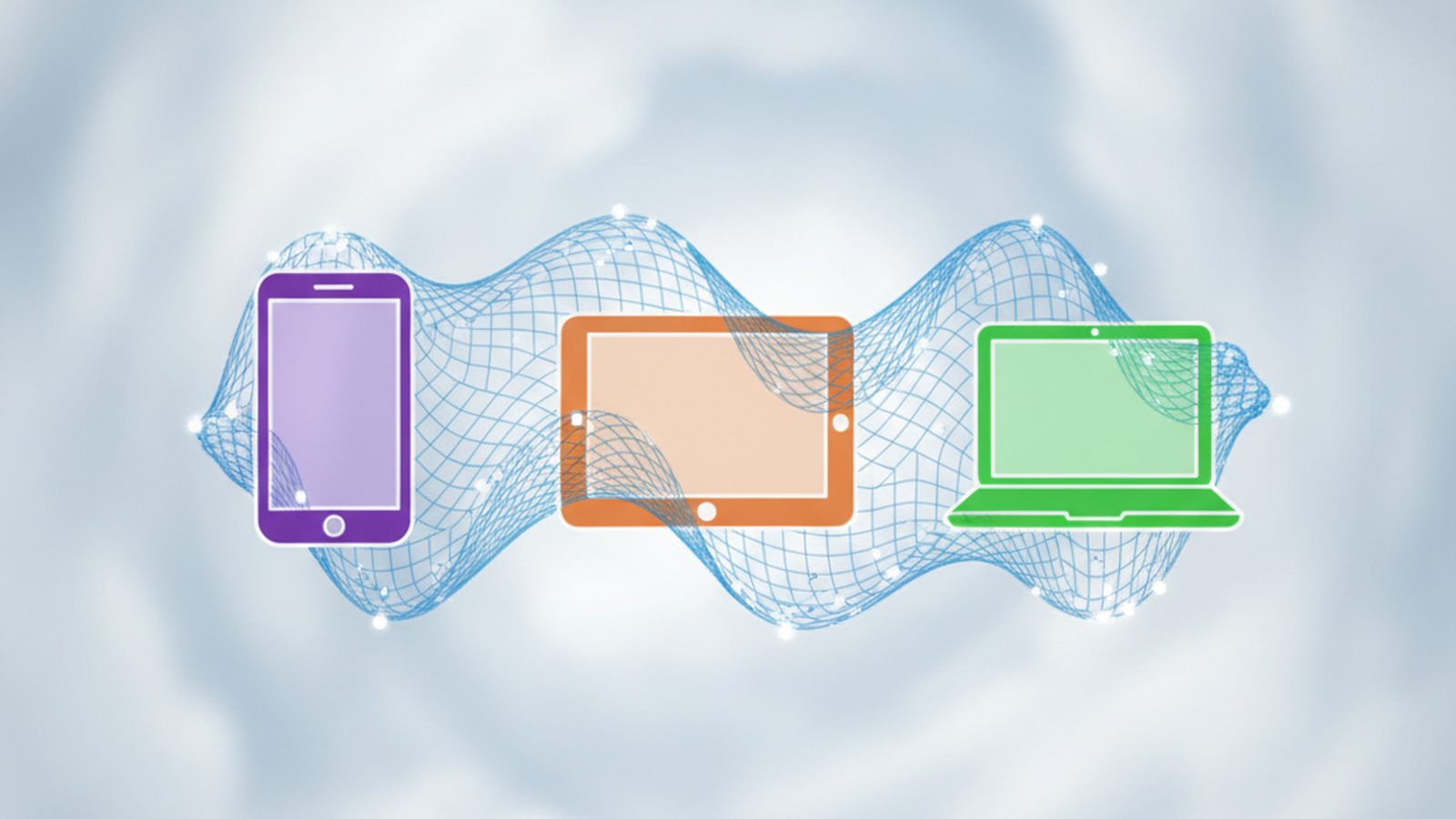
A phishing kit uncovered by KnowBe4 Threat Labs checks which device you use and serves a different attack to each, Threadlinqs reports.
One email, three traps
The lure is a fake iCloud sign-in alert. When you click, the kit reads your browser's details and routes you:
- Windows: tricked into installing a code-signed ScreenConnect remote access client, giving attackers full control.
- Apple devices: sent to a fake iCloud / Apple ID login page.
- Android and Linux: sent to a fake Microsoft sign-in page, where a human operator on Telegram relays and replays your MFA codes in real time.
The campaign targets the US and is rated high severity.
How KnowBe4 researchers found the campaign
KnowBe4 Threat Lab analysts, led by Prabhakaran Ravichandhiran and Jeewan Singh Jalal, pulled apart the active campaign and found that the attacker had left directory listing enabled on their own command-and-control server. That mistake let researchers see the full operation from the inside, rather than just the one branch an individual victim would normally encounter KnowBe4.
According to KnowBe4's published campaign summary, the kit recorded more than 250 verified human clicks within a single 48-hour window, between May 5 and May 6, 2026. Of the 157 victims researchers were able to geolocate, 150 were based in the United States, confirming the campaign's focus on American targets KnowBe4. Threadlinqs' own threat intelligence listing, published in late September 2026, attributes the kit with low confidence to an operator group it tracks as "G-MLOGS," and notes the campaign maps to 13 separate MITRE ATT&CK techniques, including masquerading (T1027) and indicator removal (T1036) Threadlinqs.
The lure email itself
The phishing email is not a crude fake. Researchers describe it as a fabricated Windows device sign-in notification, complete with a spoofed timestamp, a fake IP address, an invented reference number, and legal boilerplate copied from genuine corporate templates. The visible link text displays an Apple-looking address, but actually leads elsewhere. The goal is not to catch someone being careless — it is to trigger the ordinary, understandable reflex to react quickly to what looks like an unauthorized sign-in on your own account KnowBe4.
Why it matters
Tailoring attacks to each device increases the chances of success and makes the kit harder for researchers to study, because each analyst may only see one branch. Real-time MFA relaying also shows that SMS and app codes can be stolen as you type them.
The campaign also illustrates how phishing kits have evolved into full-blown criminal operations, with named tooling, dedicated Telegram bots (identified by researchers as @dswagofficebot and @smokeiT_bot), and bought or rented infrastructure spread across multiple domains Threadlinqs. Rather than one static fake page, this is a live, operator-staffed pipeline that adapts its tactics based on who clicks.
How to protect yourself
- Apple will never ask you to install software to secure your iCloud account.
- Check the address bar: Apple logins use appleid.apple.com or icloud.com.
- Use passkeys where possible — they cannot be relayed to a fake site.
How real-time MFA relay works
Many people believe multi-factor authentication makes phishing useless. Relay attacks get around it: as you type your password and one-time code into the fake page, a criminal (or an automated tool) immediately enters them into the real site. They capture the logged-in session and can stay signed in even after the code expires.
This is why security agencies now recommend phishing-resistant methods such as passkeys and hardware security keys. These only work on the genuine website, so a lookalike domain gets nothing useful.
In this specific campaign, the relay step is not fully automated. Stolen credentials are piped to a Telegram bot, watched live by a human operator who reads the incoming data, decides how to proceed, and sends back a command to the victim's browser session. That human-in-the-loop design lets the attacker react to unusual situations — such as a victim entering a backup code or a second MFA prompt — in ways a purely automated kit cannot KnowBe4.
The danger of remote access tools
Tricking Windows users into installing ScreenConnect is effective because it is legitimate software used by real IT teams. It is signed, so Windows may not warn you, and antivirus tools may not flag it. Once it is installed, the attacker can see your screen, move files and install anything they like.
Abuse of legitimate remote monitoring and management (RMM) tools such as ScreenConnect has become a recurring problem across the security industry over the past several years, precisely because these tools are trusted by default on corporate networks and rarely trigger antivirus alerts on their own. Attackers increasingly favor "living off trusted software" over custom malware, since it blends in with normal IT administrator activity and is harder for defenders to distinguish from legitimate remote support sessions.
How to stay safe
- Open iCloud or Apple account settings directly from your device rather than from an email link.
- Never install software because an email or website says it is needed to view a message or secure your account.
- Set up a passkey for your Apple, Google and Microsoft accounts where available.
- If a page asks you to sign in to Microsoft after clicking an Apple alert, that mismatch is a clear red flag.
What readers should do
- Treat any unexpected "sign-in alert" email as suspicious, even if it looks professionally designed and references real-seeming details like IP addresses or timestamps.
- Never click a link in a security alert email — go to appleid.apple.com, icloud.com or account.microsoft.com directly in your browser instead.
- If a site ever asks you to download and run a remote-access tool to "secure" or "verify" your account, close the page immediately; no legitimate company works this way.
- Watch for any mismatch between the alert you received and the site you are sent to — for example, an "Apple" email that leads to a Microsoft login page.
- Enable passkeys or hardware security keys for your most important accounts (Apple ID, Microsoft, Google, email, banking) so that stolen passwords and one-time codes become useless to attackers.
- If you think you have entered credentials on a fake site, change your password immediately from a different, trusted device, review your account's active sessions and trusted devices, and revoke anything unfamiliar.
- If you installed software you now suspect was malicious, disconnect the device from the internet, run a full security scan, and consider wiping and reinstalling if you cannot be sure it is clean.
- Report phishing emails to your email provider and, for Apple-themed scams, to Apple directly, so the infrastructure can be taken down faster.