New macOS stealer uses fake CAPTCHAs to drain crypto
Huntress found Go-based Mac malware delivered by ClickFix prompts that steals Keychain data and passwords and empties crypto wallets.
By Lena Hart · Published · Updated · 10 min read
Researchers at Huntress have found new information-stealing malware for macOS, spread through "ClickFix" tricks, Infosecurity Magazine reports.
How the attack works
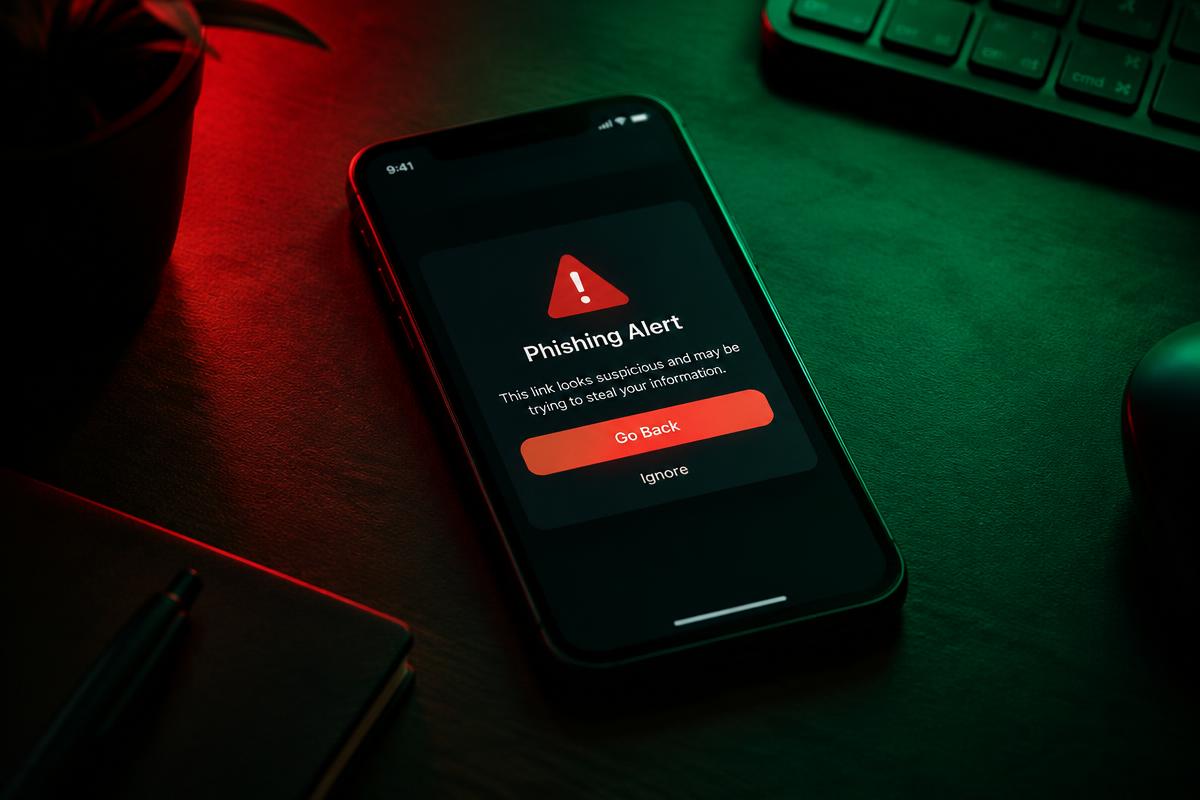
- The victim sees a pop-up that looks like a CAPTCHA check.
- It tells them to copy a command and paste it into the Mac's Terminal app.
- The command downloads a loader that profiles the Mac, then fetches a payload matched to its processor.
What the malware steals
- Saved browser passwords
- Apple Keychain data
- Cached login credentials
- A "DRAIN" function checks crypto wallets for funds and sends some or all of the balance to the attackers
The infrastructure links back to Aeza Group, a sanctioned Russian hosting company associated with cybercrime.
Why it matters
Many Mac users still believe they do not need to worry about malware. ClickFix works because the victim runs the command themselves, so built-in protections may not step in.
How to stay safe
- No real website will ever ask you to paste a command into Terminal to prove you are human.
- Keep large crypto balances in a hardware wallet.
- If you ran such a command, disconnect from the internet, change passwords from another device and move crypto to a new wallet.
What ClickFix is
ClickFix is a social engineering trick that first became widespread on Windows, where fake CAPTCHAs or error messages told people to press Windows+R and paste a command. Security companies reported huge growth in the technique during 2025, and it has since been adapted for Mac users by asking them to use Terminal instead.
The trick works because the victim does the risky step themselves. Copying and pasting feels harmless, and the instructions look like a normal security check.
Timeline of the discovery
Huntress said it first found components of this Mac-specific stealer during a retrospective threat hunt on a monitored system in June 2026, but the infection had actually happened roughly three months earlier, meaning the malware sat undetected on the victim's device for an extended period Huntress. The firm published its findings on August 6, 2026, and the report was quickly picked up and amplified by BleepingComputer, The Hacker News, TechNadu and Infosecurity Magazine over the following days BleepingComputer The Hacker News.
According to Huntress researcher Andrew Brandt, the victim received an email containing a link to a page that displayed the fake CAPTCHA and instructed them to run a command in Terminal BleepingComputer. TechNadu reported that the ClickFix phase used the domain profitnow[.]io to serve the fake prompt TechNadu.
How the infection chain actually works, step by step
Once the victim pastes the command into Terminal, it downloads a Bash script that acts as both a profiler and a loader. This script collects detailed system information, including CPU type, RAM, and even the hardware serial number, and in some reported variants it wipes the Terminal history to cover its tracks TechNadu.
The script then creates a directory that mimics the name of trustd, the legitimate macOS background process responsible for validating cryptographic certificates and code signatures. It copies the payload into that directory under the filename `com.apple.verified` and strips the `com.apple.quarantine` extended attribute from the file. That attribute is what normally triggers a Gatekeeper security warning when a downloaded file is opened, so removing it lets the malware run without the usual "this file was downloaded from the internet" alert BleepingComputer.
Finally, the loader fetches a Mach-O binary — the native executable format on macOS — matched to the victim's processor architecture, whether Intel or Apple Silicon. This binary is the actual stealer, written in the Go programming language and reportedly obfuscated to make analysis harder TechNadu.
To gain the elevated privileges it needs to access protected files, the malware displays a fake system dialog box using the macOS `osascript` utility, framed as an "unexpected system error" that requires the user to enter their account password to "repair" damaged system files. Victims who comply hand their admin password directly to the attacker The Hacker News.
Inside the DRAIN function
What sets this malware apart from many other macOS stealers is the sophistication of its cryptocurrency-draining routine, which researchers dubbed the "DRAIN" function. Rather than simply emptying a wallet in one shot, the malware checks whether a wallet holds funds and can calculate the total value of a pending transaction, allowing it to redirect only a portion of the balance to an attacker-controlled address while letting the rest go through normally. This makes the theft less likely to be noticed immediately The Hacker News.
Huntress found that the malware includes multiple versions of the DRAIN function tailored to different cryptocurrencies, including Bitcoin, Litecoin, Dogecoin, Monero, Ethereum, and Ripple's XRP, suggesting the authors invested significant effort into supporting a wide range of victim wallets The Hacker News. Brandt noted that while wallet-draining is not an entirely new capability in infostealers generally, this was the first time Huntress had observed this specific partial-diversion technique in a Mac-targeted stealer The Hacker News.
Why Mac infostealers are on the rise
Mac users are often wealthier and more likely to hold cryptocurrency, making them valuable targets. Malware-as-a-service families such as Atomic Stealer (AMOS) have been sold to criminals for years, and new families keep appearing. Stolen browser sessions and passwords are sold on criminal marketplaces, where they are used for account takeover and to break into company networks.
Why sanctions links matter
Aeza Group was sanctioned by the US Treasury in 2025 for hosting infostealer operations and other criminal infrastructure. Huntress confirmed that the loader, the server hosting the payload, and the command-and-control infrastructure all traced back to Aeza Group, identified by the autonomous system number AS210644, a Russian bulletproof hosting provider long associated with organized cybercrime and ransomware groups TechNadu. Malware linking back to it suggests the campaign is part of established criminal operations rather than a one-off amateur effort.
What Huntress recommends for organizations
Beyond individual precautions, Huntress advised organizations to mitigate ClickFix-style threats through user education programs that specifically explain what the attack looks like, since traditional antivirus training rarely covers "run this command" scams. The firm also recommended installing malicious-script mitigation browser extensions such as NoScript, and using network-level DNS filtering tools like Pi-hole to block known-bad domains from resolving before a user's browser can even load the fake CAPTCHA page Infosecurity Magazine.
Extra protection for Mac users
- Keep macOS and your browsers updated.
- Only install apps from the App Store or verified developers.
- Use a password manager instead of saving passwords in the browser.
- Turn on multi-factor authentication for exchange accounts and email.
- Install a DNS-filtering tool or browser extension that blocks known-malicious domains.
- Treat any email or pop-up with CAPTCHA-style Terminal instructions as a scam, regardless of how official it looks.
What readers should do
- Never paste a command into Terminal because a website or pop-up told you to, even if it claims to be a CAPTCHA or security check.
- If you have run such a command recently, disconnect the Mac from the internet immediately, then use a separate, trusted device to change your passwords and move any cryptocurrency to a new, uncompromised wallet.
- Check for unfamiliar directories or files, especially anything mimicking `trustd` or named `com.apple.verified`, and consider a full malware scan or clean OS reinstall if you suspect infection.
- Review recent crypto wallet transactions for small, unexplained diversions, not just a full drain, since this malware can skim partial amounts.
- Enable a password manager and multi-factor authentication everywhere, so a stolen browser password alone is not enough to take over an account.
- Consider keeping significant crypto holdings in a hardware wallet that never has its private keys exposed to an internet-connected computer.
- At the organizational level, deploy DNS filtering and browser script-blocking extensions, and train staff specifically on ClickFix-style social engineering.