What are passkeys, and should you switch?
Passkeys replace passwords with your device's fingerprint, face or PIN and cannot be phished. Here is how they work and how to set them up.
By Priya Nair · Published · Updated · 9 min read
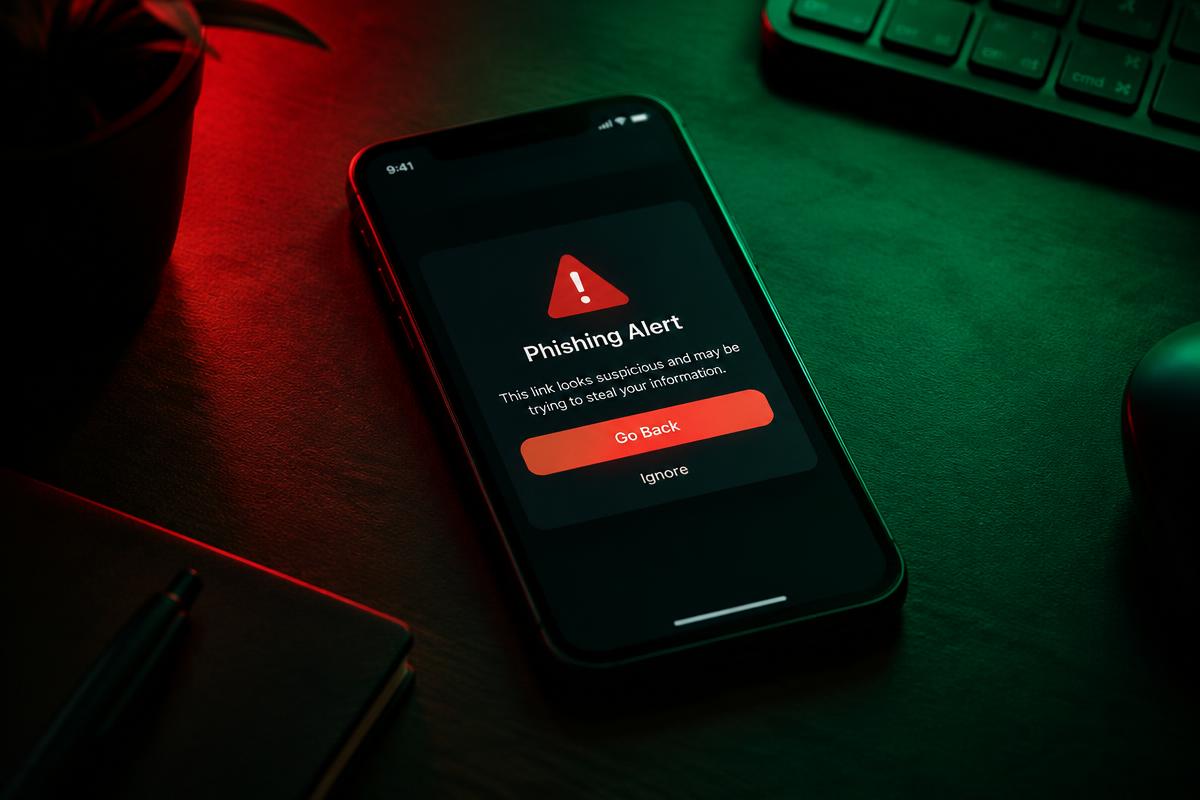
Many of this month's attacks — EvilTokens, fake iCloud alerts, fake Google logins — worked by tricking people into typing passwords and codes into fake sites. Passkeys stop that.
What is a passkey?
A passkey is a login that uses your device's fingerprint, face scan or PIN instead of a password. It is built on open standards from the FIDO Alliance, backed by Apple, Google and Microsoft.
Technically, a passkey relies on public-key cryptography. When you create one, your device generates a matched pair of cryptographic keys: a private key that never leaves your device, and a public key that is sent to the website or app. When you sign in later, the website asks your device to prove it holds the private key, which it does by signing a one-time challenge — without ever transmitting the private key itself. Because the private key never travels over the internet or sits on a company's server, there is nothing for an attacker to steal in a data breach and nothing for a fake login page to capture.
Why passkeys are safer
- They cannot be phished. A passkey only works on the real website it was created for, so a fake site gets nothing. This works because the browser or operating system cryptographically ties each passkey to the exact website domain it was created for, so even a pixel-perfect fake page simply cannot trigger a matching passkey.
- Nothing to leak. The website stores only a public key; there is no password to steal in a breach, which means even a company that gets hacked cannot leak something an attacker could use to log in elsewhere.
- No codes to intercept. Real-time phishing kits that relay SMS codes do not work against passkeys, closing off an entire category of "adversary-in-the-middle" attacks that have become common against traditional two-factor authentication.
How widely are passkeys used already?
Adoption has grown quickly since passkeys became available to consumers. The FIDO Alliance reported that more than 15 billion online accounts could use passkeys for sign-in by the end of 2024, more than double the number from the year before [[2]](https://fidoalliance.org/passkey-adoption-doubles-in-2024-more-than-15-billion-online-accounts-can-leverage-passkeys/). Individual companies have published striking numbers of their own: Google said 800 million Google accounts were using passkeys, generating more than 2.5 billion passkey sign-ins over two years, while reporting that sign-in success rates improved by 30% and sign-in speed increased by 20% on average [[2]](https://fidoalliance.org/passkey-adoption-doubles-in-2024-more-than-15-billion-online-accounts-can-leverage-passkeys/). Amazon said it made passkeys available to 100% of its users and had 175 million passkeys created for signing into amazon.com [[2]](https://fidoalliance.org/passkey-adoption-doubles-in-2024-more-than-15-billion-online-accounts-can-leverage-passkeys/).
Consumer awareness is rising too. FIDO Alliance's own research found that familiarity with passkeys jumped from 39% of people in 2022 to 57% in 2024 [[1]](https://fidoalliance.org/wp-content/uploads/2024/10/Barometer-Report-2024-Oct-29.pdf), and a 2025 survey found that 36% of respondents said they had had at least one account compromised due to weak or stolen passwords, reinforcing why alternatives like passkeys are gaining traction [[3]](https://fidoalliance.org/wp-content/uploads/2025/04/World-Password-Day-2025-Final.pdf).
Where you can use them
Google, Apple, Microsoft, Amazon, PayPal, GitHub, WhatsApp and many banks now support passkeys. More than 100 organizations have also endorsed the FIDO Alliance's "Passkey Pledge," launched in April 2025, publicly committing to support passwordless sign-in across their platforms [[3]](https://fidoalliance.org/wp-content/uploads/2025/04/World-Password-Day-2025-Final.pdf).
Businesses are adopting passkeys for employee logins too, not just consumer accounts. A FIDO Alliance survey of decision-makers at companies with 500 or more employees found growing enterprise interest in moving away from phishable sign-in methods such as passwords and SMS one-time codes in favor of FIDO-based authentication [[5]](https://fidoalliance.org/wp-content/uploads/2025/02/The-State-of-Passkey-Deployment-in-the-Enterprise-in-the-US-and-UK-FIDO-Alliance.pdf).
How to set one up
- Sign in to the account on your phone or computer.
- Go to Security or Sign-in options.
- Choose Create a passkey.
- Confirm with your fingerprint, face or PIN.
Passkeys sync through iCloud Keychain, Google Password Manager or password managers such as 1Password and Bitwarden, so you will not lose them if you change phones.
Common questions about switching to passkeys
What happens if I lose my phone? Because passkeys sync through a cloud account tied to your device ecosystem (such as iCloud Keychain or Google Password Manager) or through a dedicated password manager, you can typically recover access on a new device by signing into that same cloud account, rather than being permanently locked out.
Do I still need a password at all? Most services currently let passkeys exist alongside a traditional password as a backup option, rather than replacing it outright. Over time, as adoption grows, more services are expected to offer passkeys as the only sign-in method.
Are passkeys the same as two-factor authentication? No. Passkeys replace the password itself with something inherently tied to your device and biometrics, which is generally considered stronger than adding a second factor on top of a traditional password, since there is no password left to steal or guess in the first place.
Should you switch?
Yes, for your most important accounts first: email, banking and anything that can reset other passwords. These accounts act as gateways to everything else you own online, so securing them with a phishing-resistant passkey closes off the easiest path an attacker has into the rest of your digital life.
What readers should do
- Check whether your email provider, bank and primary social media accounts already support passkeys, and set one up for each.
- Keep at least one backup sign-in method active (such as a password manager entry or recovery codes) until you are confident the passkey works reliably across your devices.
- Make sure your phone or computer is itself protected with a strong PIN, password or biometric lock, since that is now the gatekeeper for your passkeys.
- If you use a password manager like 1Password or Bitwarden, check whether it can store and sync your passkeys across devices and browsers.
- Avoid typing your password into a site that already offers you the option to sign in with a passkey instead.
Sources
- FIDO Alliance
- FIDO Alliance 2024 Online Authentication Barometer
- FIDO Alliance: Passkey Adoption Doubles in 2024
- FIDO Alliance: Consumer Password & Passkey Trends, World Passkey Day 2025
- FIDO Alliance: The State of Passkey Deployment in the Enterprise
How passkeys fit alongside other security advice
Passkeys are one part of a broader shift away from relying on memorized secrets for security. The same FIDO Alliance research that tracked rising passkey awareness also found that password fatigue has real business costs: 42% of people said they had abandoned a purchase in the past month simply because they could not remember a password, rising to 50% among 25-34 year-olds [[1]](https://fidoalliance.org/wp-content/uploads/2024/10/Barometer-Report-2024-Oct-29.pdf). That friction is part of why major platforms have invested heavily in passkeys rather than simply asking people to choose stronger passwords.