What Is Quishing? The QR Code Scam You Should Know About
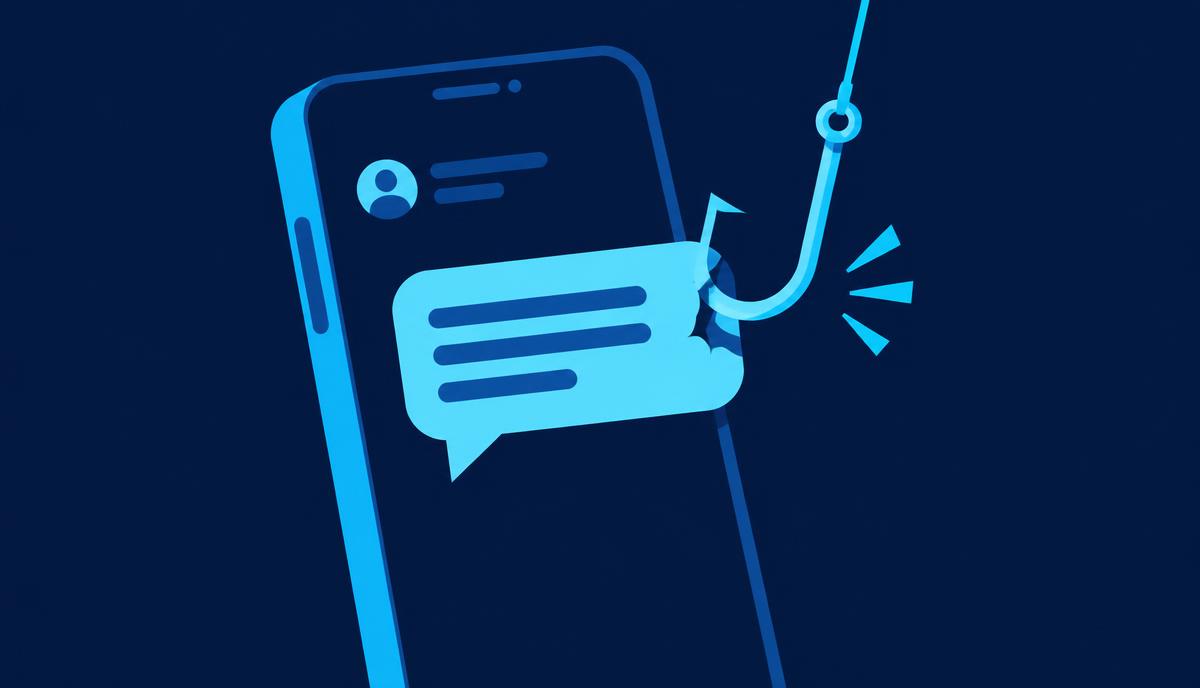
Quishing — phishing via QR codes — turns a convenient square into a blind link. Here is how the scams work, where they show up, and how to scan safely.
Quishing is phishing that uses a QR code instead of a clickable link. The name combines "QR" and "phishing", and the tactic has grown quickly because QR codes solve a problem for criminals: you cannot see where a QR code leads until you have already scanned it.
The FBI issued a public warning about cybercriminals tampering with QR codes, and the FTC has warned specifically about QR codes on parking meters and in unexpected emails and texts. Here is what to know.
Why QR codes are attractive to scammers
A QR code is just a link you cannot read. That gives criminals three advantages:
- The destination is hidden. A printed link like "payyourmeter.example.com" might make you pause. A black-and-white square tells you nothing.
- It moves the attack to your phone. Many people scan QR codes with their personal phone, which often has weaker security filtering than a work computer and no corporate email protection.
- It bypasses email filters. A QR code inside an email is an image. Traditional email security tools were built to scan text links, not images, though modern tools are catching up.
Where quishing scams show up
Parking meters and payment stations. This is the classic physical quishing scam: criminals stick a fake QR code over the real one on a parking meter. You scan, enter your card details on a convincing payment page, and pay the scammer — plus you still get a parking ticket. The FTC and several city governments have issued warnings about exactly this.
Emails that look like account alerts. "Your Microsoft 365 password expires today — scan to keep access." The code leads to a pixel-perfect fake login page that captures your credentials. Security researchers have reported large campaigns using this method against businesses.
Restaurant menus and flyers. A sticker over the real menu code, or a fake code on a public flyer, leading to a malicious download or a payment page.
Package delivery notes. A "missed delivery" card on your door with a QR code to "reschedule" — which leads to a phishing page.
Crypto scams. QR codes are native to cryptocurrency payments, which makes them ideal for investment scams and fake giveaways: scan to "verify your wallet" and you have handed over your recovery phrase.
What happens when you scan a malicious code
Usually one of four things:
- A credential-harvesting page — a fake login for your email, bank or work account.
- A payment page — small card charges for fake parking, tolls or delivery fees.
- A malware download — more common on Android, where a page can push an app install.
- A pre-filled action — a QR code can open your email app with a pre-written message, dial a premium number, or connect you to a criminal's Wi-Fi network.
How to protect yourself
In public places:
- Check the code physically. Is it a sticker placed over something? Does it look newer or misaligned compared to the sign around it? On a parking meter, look for the official payment app name printed on the meter and use that app directly instead.
- Prefer typing the official address. For parking, tolls and government payments, type the official URL or use the official app rather than scanning.
On your phone:
- Preview before you open. Both iPhone and Android cameras show the link the code contains before you open it. Read it. If the domain looks unrelated to where you are — a random string of characters, a URL shortener, a misspelled brand — do not open it.
- Treat emailed QR codes like emailed links. An unexpected "scan this to keep your account" message is phishing, whether the hook is a link or a square. Verify through the official app or website instead.
- Never scan a QR code to "verify" a crypto wallet or claim a prize. Legitimate services do not work this way.
For businesses: if you print QR codes on menus, posters or packaging, check them periodically for stickers, and consider printing the short URL next to the code so customers can compare.
If you scanned something suspicious
- Entered a password? Change it on the real site immediately and turn on two-factor authentication.
- Entered card details? Call your bank and replace the card.
- Downloaded an app? Delete it and run a security scan — see our guide on how to know if your phone is hacked.
- Report it to the FTC and, for financial scams, the FBI's IC3.
The bottom line
QR codes are not dangerous — blind trust is. Treat every code like a link from a stranger: check where it actually goes before you open it, and never use a random code for payments or logins when you can type the official address yourself.
Why QR scams surged after QR codes went mainstream
QR codes were a niche technology until contactless everything made them normal — restaurant menus, parking, event tickets, payments. That normalization is exactly what criminals exploit: scanning a code no longer feels like a decision, it feels like a reflex. Security researchers tracking email-borne QR campaigns have noted they are particularly effective against businesses, because a code in an email pushes the victim from a protected work computer to their personal phone, which usually sits outside the company's security tooling. If an emailed "scan to re-authenticate" message arrives at your work address, that context switch is itself the red flag.
Are QR code generator scams a thing too?
Yes, at the other end. Businesses that search for a "free QR code generator" sometimes land on lookalike tools that work fine for weeks, then silently swap the destination to a phishing page — every printed menu or poster now points at the criminal's site. If you generate QR codes for a business, use a reputable generator or your payment/platform provider's built-in one, and re-scan your printed codes occasionally to confirm they still lead where they should.
The two questions that keep you safe
Before opening any scanned link, ask: do I know who put this code here, and does the previewed address match them? A parking meter code should preview the city's official payment domain. A restaurant code should preview the restaurant's own site or a known menu platform. When the preview shows a URL shortener, a random string, or a domain that merely contains a brand name as a substring, walk away and type the official address yourself. That habit costs ten seconds and defeats essentially every quishing attack in circulation.