Google ads lead to fake security alert scam
Netskope tracked a tech-support scam kit delivered through Google ads that hides from scanners and locks browsers with fake alerts.
By Dev Okafor · Published · Updated · 5 min read

Netskope Threat Labs has been tracking a tech-support scam kit delivered through Google ads, the company reports.
How it works
- Victims click a Google ad and land on a loading spinner, then what looks like an ordinary online shop called "ShopEase".
- The kit waits for a single mouse movement — automated scanners do not move a mouse, so they see nothing suspicious.
- Only then does it download an encrypted payload, tailored for Windows or Mac.
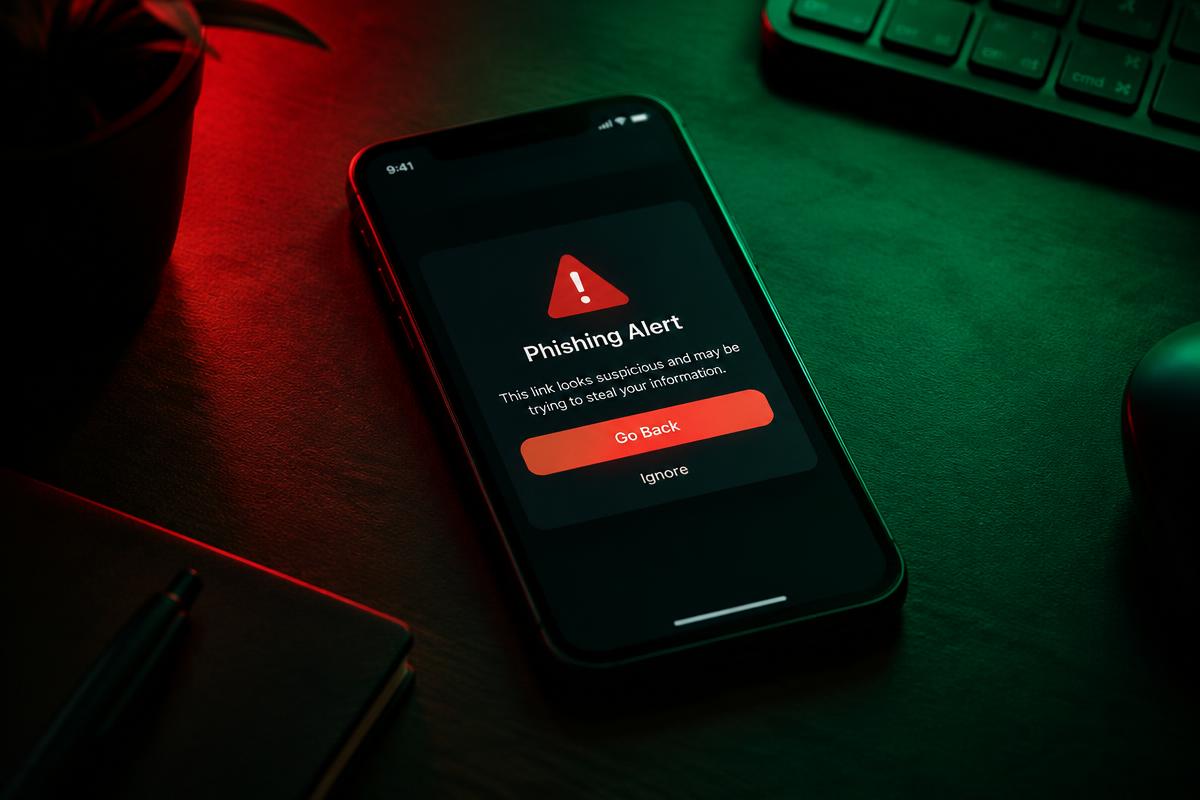
- It builds a full-screen fake security alert in the browser's memory, urging the victim to call a "support" number.
The scammers then try to take payment for fake support, get remote access or collect personal and financial details.
Why it matters
Because nothing malicious appears until a real person interacts, the kit evades the automated checks that ad networks use to block bad ads.
How to stay safe
- Microsoft, Apple and antivirus firms never show pop-ups with phone numbers to call.
- If your browser locks up with an alert, close it (Ctrl+Alt+Delete on Windows, Force Quit on Mac).
- Never let a stranger connect to your computer remotely.
Why ads are a favourite delivery method
Malicious ads ("malvertising") let criminals appear at the very top of search results, above the real website. They pay for clicks the same way legitimate businesses do, and they often target searches people make when they are already in trouble or in a hurry — such as customer support numbers or software downloads.
Ad networks scan ads and landing pages, but kits like this one are built to show reviewers an innocent shop page. The malicious content is only delivered to people who look like real victims.
How tech-support scams make money
Once a victim calls the number, the scammer usually:
- Claims the computer is infected or hacked and the bank account is at risk.
- Asks the victim to install remote access software "to fix it".
- Charges hundreds of dollars for fake repairs, or moves money while pretending to "protect" it.
The FBI's Internet Crime Complaint Center consistently lists tech-support scams among the most costly fraud types for people over 60.
What to do if a fake alert appears
- Do not call the number. Microsoft, Apple and antivirus companies do not put phone numbers in browser pop-ups.
- Close the browser. If it will not close, use Task Manager on Windows or Force Quit on a Mac.
- If you already gave someone remote access, disconnect from the internet, run a security scan and change passwords from another device.