How to spot a phishing email or text
Seven warning signs drawn from real 2026 scams impersonating Amazon, T-Mobile, Zoom and Apple — and what to do if you clicked.
By Dev Okafor · Published · Updated · 4 min read
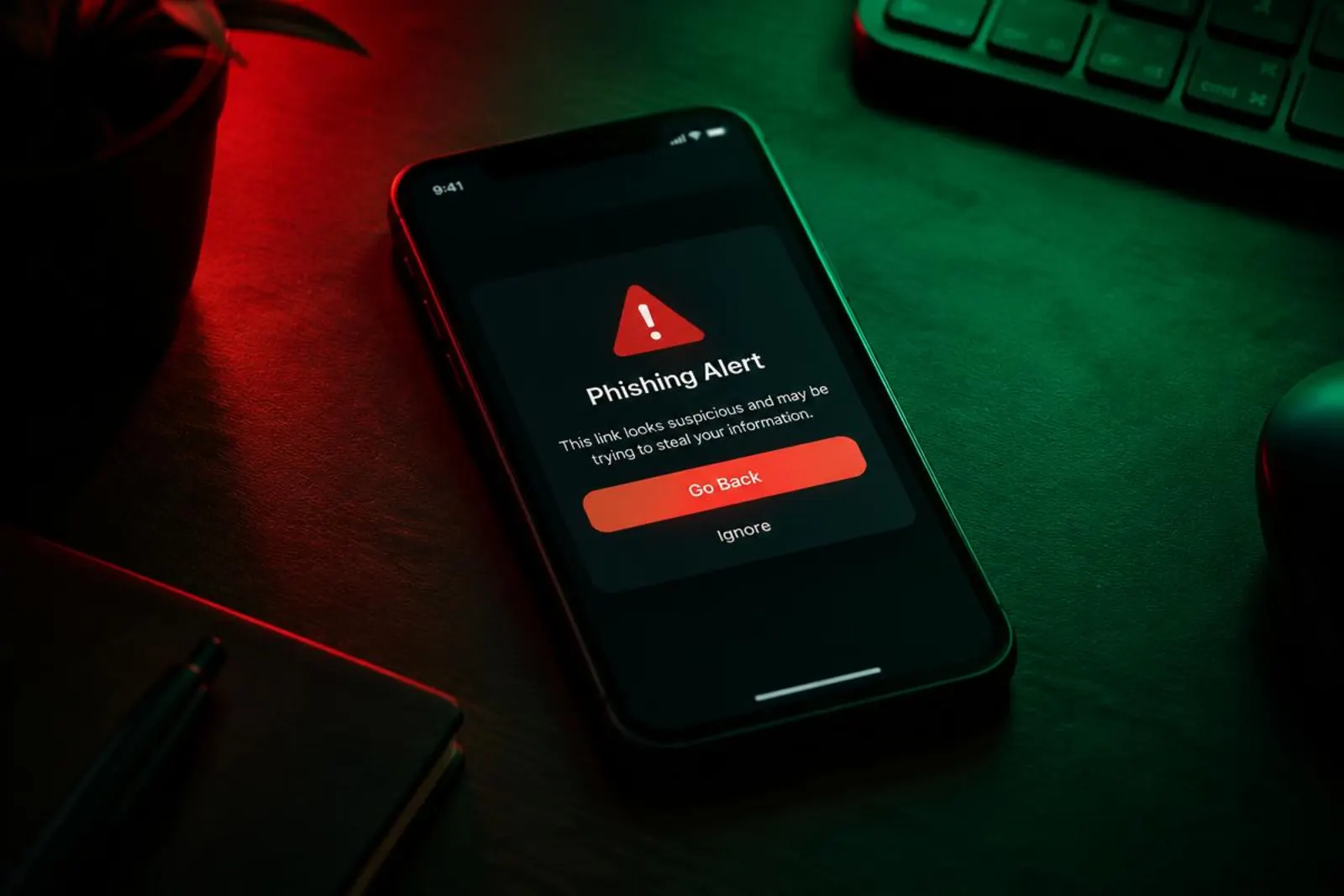
Phishing remains the most common way attacks begin. Here are the warning signs, using real campaigns from the past month.
1. Urgency and deadlines
"Your Prime membership is on hold — update within 48 hours." Real companies rarely give tight deadlines. Pressure is designed to stop you thinking.
2. A web address that does not match
T-Mobile rewards scam texts linked to domains ending in .top, not t-mobile.com, Malwarebytes found. Always check the real domain before the first single slash.
3. Something for free
Fake Claude Max giveaways and fake iPhone preorders use the promise of a deal to lower your guard.
4. A login page you did not expect
If clicking a link takes you to a sign-in page, stop. Go to the site yourself instead.
5. Requests to install software
Meeting invites and PDFs never need you to install anything. Microsoft has seen attackers use these lures to install remote access tools.
6. Instructions to paste a command
Fake CAPTCHA pages ask you to press Win+R or open Terminal and paste text. No real website ever does this.
7. Requests for full card details
Updating a payment method should happen inside your account, not through an email link.
If you clicked
- Disconnect from the internet if you downloaded something.
- Change the password from another device and turn on MFA.
- Call your bank if you entered card details.
- Report it: forward texts to 7726, and emails to the impersonated company.