Hot vs. Cold Crypto Wallets: Which Is Safer?
Cold wallets offer superior security by keeping your crypto keys offline, while hot wallets provide convenience for active traders. Which is right for you?
By Lena Hart · Published · 12 min read
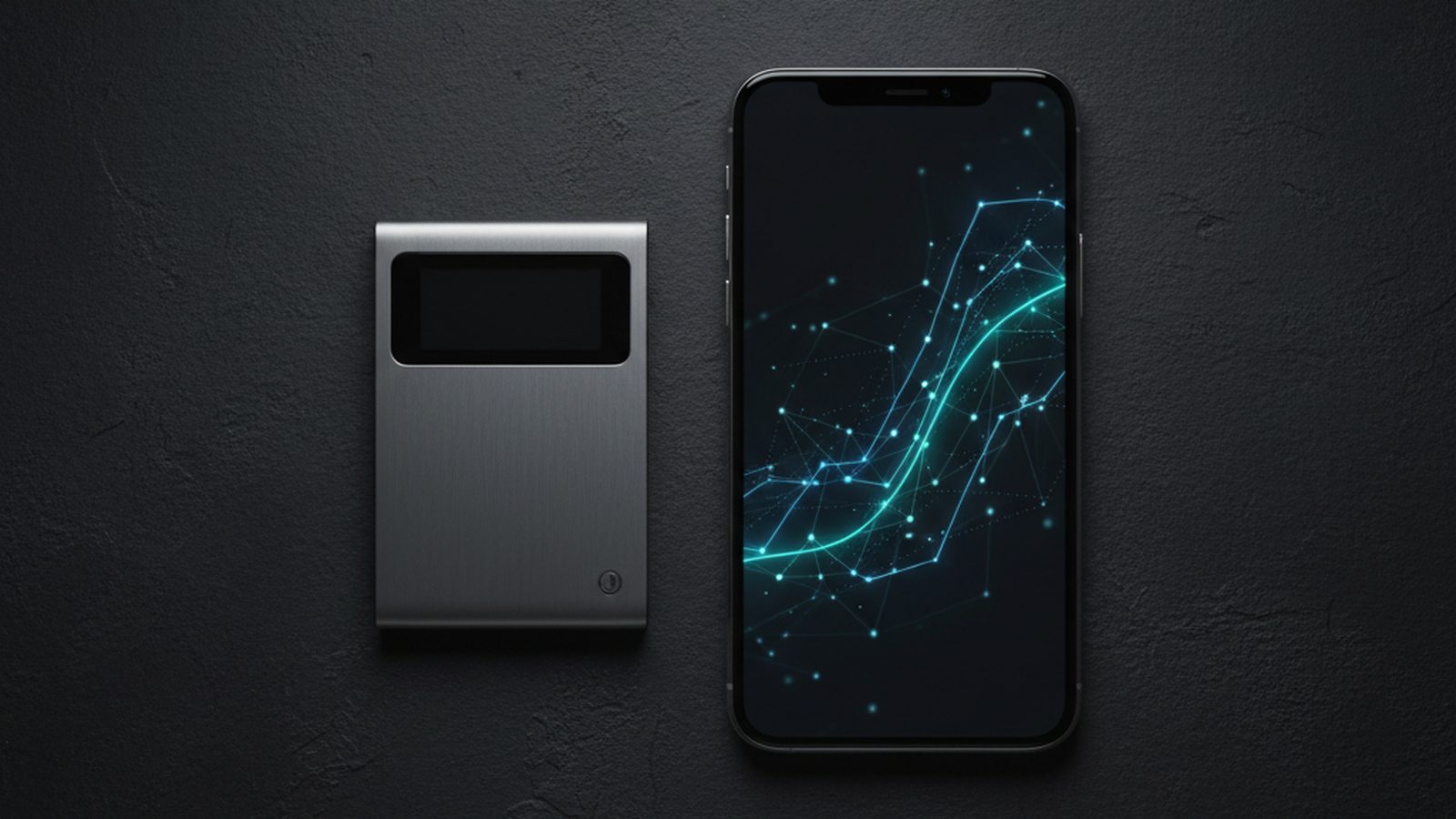
For securing cryptocurrency, cold wallets are unequivocally safer than hot wallets. By keeping your private keys completely offline, cold storage creates an “air gap” that protects your assets from the internet-based threats that plague hot wallets, such as hacking, malware, and phishing. However, this security comes at the cost of convenience, making hot wallets a necessary tool for many active users.
What Is a Crypto Wallet, Really?
Before comparing hot and cold, it’s crucial to understand what a cryptocurrency wallet actually is. Contrary to its name, a wallet doesn’t store your crypto assets directly. Your Bitcoin, Ethereum, or other tokens exist as records on a distributed public ledger called a blockchain. Your wallet’s true function is to store your cryptographic keys.
Every crypto wallet has two key components:
- Public Key: This generates a public address that you can share with others to receive funds. Think of it like your bank account number.
- Private Key: This is a secret cryptographic key that proves your ownership of the funds at your public address. It’s used to sign, or authorize, outgoing transactions. Think of it as the secret PIN and password to your bank account, combined. Whoever controls the private key controls the crypto.
The entire security model of cryptocurrency revolves around keeping this private key secret. The distinction between a hot and cold wallet is simply a matter of where and how that private key is stored.
The Hot Wallet: Convenient but Connected
A hot wallet is any cryptocurrency wallet that is connected to the internet. This category includes:
- Web-based wallets: Accessed through a browser, often as an extension like MetaMask or Phantom.
- Mobile wallets: Smartphone apps like Trust Wallet or Coinbase Wallet.
- Desktop wallets: Software applications you install on your computer, such as Exodus or Atomic Wallet.
Because they are always online, hot wallets are incredibly convenient for frequent transactions. If you want to trade on a decentralized exchange (DEX), mint an NFT, or simply send crypto to a friend, a hot wallet allows you to do so in seconds. Most custodial exchange accounts (where you buy and sell crypto on platforms like Coinbase or Binance) also function as hot wallets, though in that case, the exchange controls your private keys for you.
Pros of Hot Wallets
- Convenience: Fast and easy to set up and use for daily transactions, trading, and interacting with decentralized applications (dApps).
- Accessibility: Can be accessed from anywhere with an internet connection via your phone or computer.
- Cost: Most software-based hot wallets are free to download and use.
Cons of Hot Wallets
- High Security Risk: Their constant internet connection makes them a prime target for cybercriminals. The attack surface is enormous, including vulnerabilities in your browser, operating system, the wallet software itself, and the websites you interact with.
- Vulnerability to Malware: Your device could be infected with infostealers or keyloggers designed to find and exfiltrate your private keys or seed phrase. Some malware, like the new macOS stealer that uses fake CAPTCHAs, is specifically built to drain wallets.
- Phishing and Scams: Users are frequently targeted by scams that trick them into signing malicious transactions or revealing their recovery phrase. These attacks are the primary mechanism behind how crypto wallet drainer scams work, leading to billions in losses annually.
The Cold Wallet: Secure but Isolated
A cold wallet, also known as cold storage or a hardware wallet, stores your private keys in a specialized physical device that is kept entirely offline. Leading examples include devices from Ledger, Trezor, and Coldcard.
These devices are essentially small, secure computers designed for one purpose: to safeguard your private keys. When you want to make a transaction, you connect the device to your computer or phone. The transaction details are sent to the hardware wallet, which signs the transaction internally using your private key. Only the signed transaction—the authorization—is sent back to the computer, while the private key itself never leaves the secure chip on the device. This process keeps your keys isolated from your internet-connected machine, even during use.
Pros of Cold Wallets
- Maximum Security: By remaining offline, they are immune to online hacking, malware, and remote attacks.
- Full Control: You are the sole custodian of your private keys, eliminating risks associated with exchange failures or hacks.
- Peace of Mind: Ideal for long-term holding (“HODLing”) of significant amounts of cryptocurrency.
Cons of Cold Wallets
- Inconvenience: Transactions are slower and more cumbersome, requiring physical access to the device.
- Cost: Hardware wallets are physical products that you must purchase, typically costing between $60 and $200.
- Physical Risk: You are responsible for the physical security of the device. It can be lost, stolen, or damaged. The recovery phrase is the only backup, and if you lose both, your funds are gone forever.
Key Security Threats to Each Wallet Type
Understanding the specific threats helps clarify the security trade-offs you are making.
Hot Wallet Threats
Hot wallets face a constant barrage of online attacks. A single mistake can lead to a complete loss of funds.
- Phishing: The most common threat. You might receive an email or message that appears to be from a legitimate source, directing you to a malicious website that mimics a real one. These sites trick you into entering your recovery phrase or connecting your wallet and signing a transaction that drains your assets. Learning how to spot a phishing email is a critical defense.
- Malware: Malicious software, often downloaded from untrusted sources or through phishing links, can compromise your entire system. Infostealers scan your computer for wallet files and credentials, while clipboard hijackers replace a copied crypto address with the attacker’s address just before you paste it.
- Exchange Hacks: If you keep your crypto on a centralized exchange, you are relying on that company’s security. A major hack can result in the loss of customer funds. The $387.5 million Bitget hack, traced to a third-party vulnerability, is a stark reminder of this custodial risk.
- SIM Swaps: Attackers convince your mobile carrier to transfer your phone number to their SIM card, allowing them to intercept two-factor authentication codes and reset passwords for your accounts.
Cold Wallet Threats
Cold wallet threats are fewer but require a different kind of vigilance, focusing on physical security and supply chain integrity.
- Supply Chain Attacks: An attacker intercepts a hardware wallet before it reaches you, tampers with its firmware or hardware, and then repackages it. When you set it up, the compromised device sends your private key to the attacker. Always buy hardware wallets directly from the manufacturer.
- Physical Theft and Coercion: Someone could steal your device and, if they can also obtain your PIN, access your funds. The infamous “$5 wrench attack” refers to being physically threatened into giving up your password or device.
- Loss of Recovery Phrase: Your 12 or 24-word recovery phrase (or seed phrase) is the master key to all your funds. If you lose your hardware wallet, this phrase is your only way to restore access. If an attacker finds it—whether written on a piece of paper or stored digitally—they can steal everything. Never store your recovery phrase on a computer or cloud service.
Comparing Hot and Cold Wallets Head-to-Head
This table summarizes the core differences between the two wallet types.
| Feature | Hot Wallet | Cold Wallet |
|---|---|---|
| Security | Low to Medium | High to Very High |
| Convenience | Very High | Low |
| Cost | Usually Free | $60 - $200+ |
| Primary Use Case | Daily spending, active trading, DeFi | Long-term storage, large holdings |
| Key Storage | Online (software on a connected device) | Offline (dedicated hardware device) |
| Main Risks | Phishing, malware, exchange hacks | Physical loss/theft, supply chain attacks |
The Hybrid Strategy: Your Crypto Savings and Checking Account
For most people, the debate isn't about choosing one over the other. The best practice is to use both in a hybrid strategy, mirroring how you use traditional bank accounts.
- Cold Wallet as Your Savings Account: This is where you store the majority of your crypto assets—the funds you don't plan to touch for a long time. It’s your secure vault for long-term investment.
- Hot Wallet as Your Checking Account: Keep a small, disposable amount of crypto in a hot wallet for your daily needs. Use it for trading, interacting with apps, or making small payments. If this wallet is ever compromised, the loss is limited to an amount you can afford to lose.
Your workflow should involve periodically transferring small sums from your cold wallet to your hot wallet as needed, minimizing the exposure of your main holdings.
Best Practices for Securing Your Crypto
Regardless of your chosen wallet, disciplined security habits are your most important defense. Adopting a security-first mindset is non-negotiable in the world of self-custody.
Securing Your Hot Wallet
- Use a Strong, Unique Password: And protect it with a password manager.
- Enable All Security Features: Use two-factor authentication (2FA) whenever available, preferably with an authenticator app rather than SMS.
- Beware of Phishing: Be extremely skeptical of unsolicited links, pop-ups, and requests for your seed phrase. No legitimate service will ever ask for your seed phrase.
- Bookmark Official Sites: To avoid landing on phishing clones, always access exchanges and web3 apps through your own bookmarks.
- Revoke Token Approvals: Regularly review and revoke permissions you've given to dApps to interact with your wallet.
Securing Your Cold Wallet
- Buy Direct: Only purchase hardware wallets directly from the official manufacturer's website to avoid tampered devices.
- Secure Your Recovery Phrase: This is your most critical asset. Write it down on paper (or stamp it into metal) and store it in multiple secure, private, physical locations. Never create a digital copy of it—no photos, no text files, no cloud storage.
- Use a Strong PIN and Passphrase: All modern hardware wallets are protected by a PIN. Many also offer a 25th “passphrase” feature, which adds an extra custom word to your seed phrase. This creates a hidden wallet and provides powerful plausible deniability against physical threats.
- Store the Device Securely: Treat your hardware wallet like you would a bar of gold. Store it in a safe or another hidden, secure location when not in use.